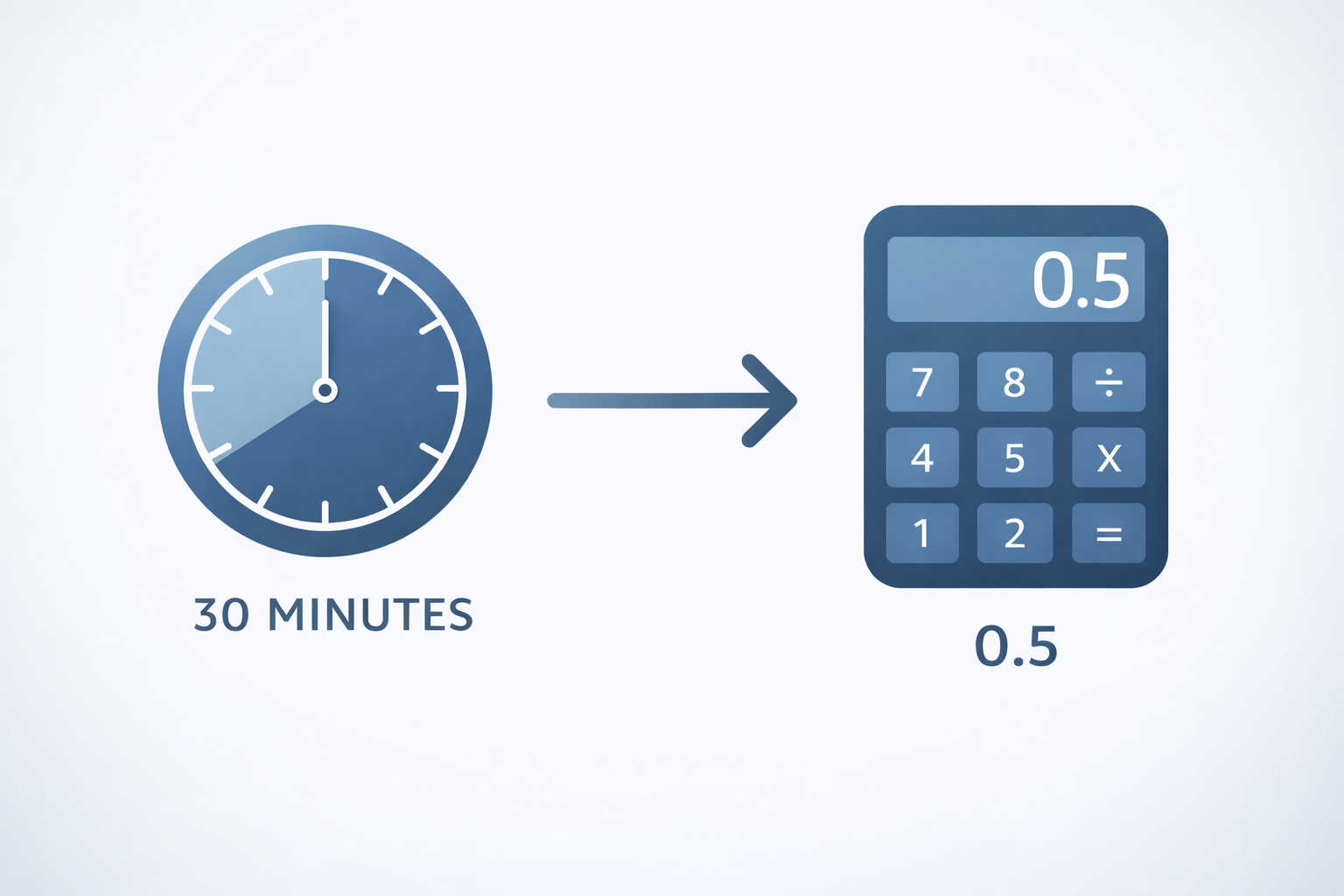
How to Convert Minutes to Decimal Hours
The essential math guide for payroll, billing, and time sheets.
If you've ever looked at a timesheet that says "8 hours and 30 minutes" and wondered why your paycheck calculates it as "8.5 hours," you've encountered decimal time. Converting minutes to decimals is crucial for accurate payroll and billing. Here is how to do it.
The Simple Formula
To convert minutes to decimal hours, you simply divide the minutes by 60.
Minutes ÷ 60 = Decimal HoursExample 1: 30 Minutes
30 ÷ 60 = 0.5 hours
Example 2: 15 Minutes
15 ÷ 60 = 0.25 hours
Example 3: 45 Minutes
45 ÷ 60 = 0.75 hours
Why Do We Need This?
Most payroll software and calculators cannot handle "minutes" directly when multiplying by an hourly wage.
- Payroll Accuracy: Multiplying $20/hour × 8 hours 30 minutes requires converting to 8.5 first. ($20 × 8.5 = $170).
- Billing Clients: If you bill in 15-minute increments, you need to know that 15 mins = 0.25 hours.
Quick Reference Conversion Chart
| Minutes | Decimal Hours |
|---|---|
| 5 min | .08 |
| 10 min | .17 |
| 15 min | .25 |
| 20 min | .33 |
| 30 min | .50 |
| 40 min | .67 |
| 45 min | .75 |
| 50 min | .83 |
Pro Tip: Rounding
Most payroll systems round to two decimal places. For example, 10 minutes is 0.16666... which rounds to 0.17.
Convert Instantly
Don't want to do the math yourself? Use our free Time Converter to get instant, accurate results for any amount of time.